
How do I switch to a different Instagram account?
Disconnect the current account in Settings, then connect the new one. The old posts keep showing until the new account’s posts arrive, then they’re replaced.
-
Click Settings in the app menu.
-
Under Instagram accounts, click Disconnect next to the current account, then Disconnect to confirm.
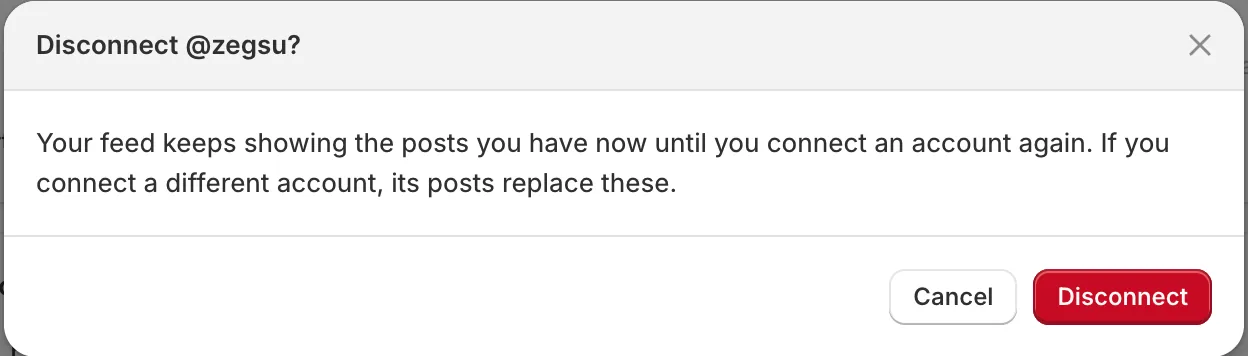
Disconnecting asks first; your feed keeps showing the posts you have -
Click Connect Instagram.
-
On Instagram, log out if needed, then log in to the new account and allow access.
-
On Confirm Instagram account, check it’s the new username and click Connect @yourname.
-
The new account’s posts sync and replace the old ones on your store.
- Note: Tags, pins and hidden settings belong to each post, so they don’t carry over to the new account’s posts.
- Note: If Instagram logs you straight into the old account, log out of Instagram in the same browser first.
Related articles
Section titled “Related articles”Still having trouble? Contact us from Support inside Zegsu Instafeed and we’ll help you directly.