
How do I rename or delete a feed?
Open the feed in Feeds and scroll to This feed. Change the Name and click Save, or click Delete feed and then Delete.
-
Click Feeds in the app menu and pick the feed under Editing.
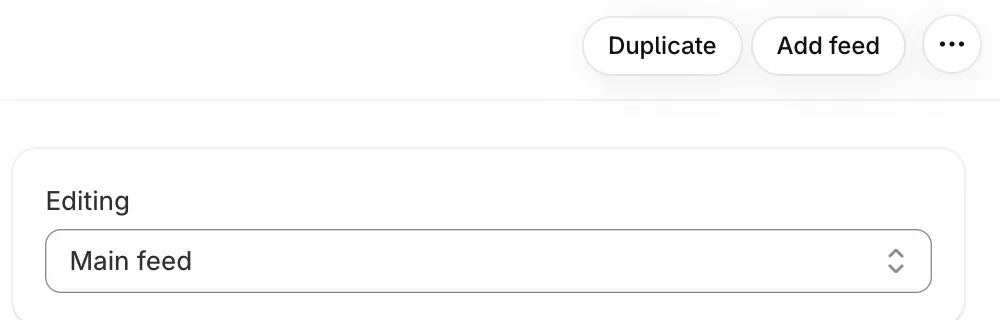
On Pro: Duplicate and Add feed at the top, and Editing to switch between feeds -
Under This feed, change the Name and click Save.
-
Or click Delete feed, then Delete to confirm.
- Note: Pages showing a deleted feed switch to your main feed. Your posts and tags stay.
- Note: Your main feed (the first one) can’t be renamed or deleted, so This feed doesn’t show for it.
- Note: Feed names are only for you. Shoppers see the feed’s Title.
Related articles
Section titled “Related articles”Still having trouble? Contact us from Support inside Zegsu Instafeed and we’ll help you directly.