
What offer templates are available?
Zegsu Upsell has six templates for product page offers. You pick one when you click Create offer, and you can change everything afterwards.
Product page templates
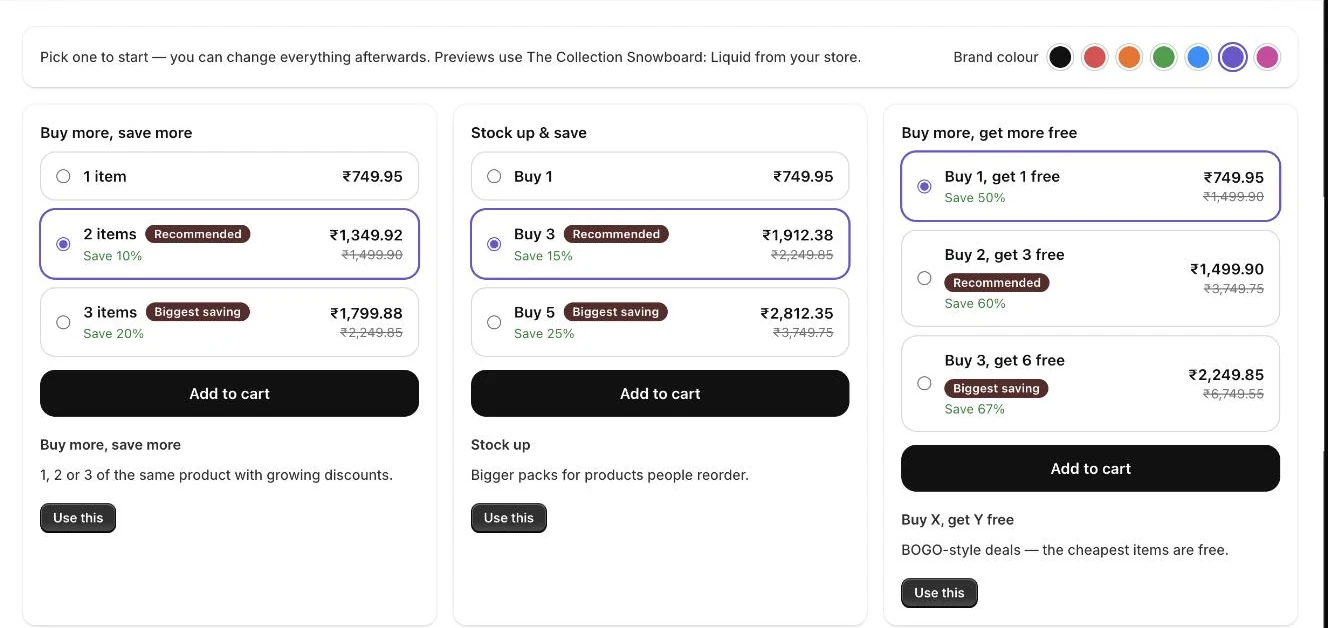
Section titled “Product page templates”- Buy more, save more: 1, 2 or 3 of the same product with growing discounts (1 item, 2 items 10% off, 3 items 20% off).
- Stock up: bigger packs for products people reorder (Buy 1, Buy 3 at 15% off, Buy 5 at 25% off).
- Buy X, get Y free: BOGO-style deals where the cheapest items are free (Buy 1 get 1, Buy 2 get 3, Buy 3 get 6).
- Mix & match pack: customers build a pack from several products you choose (1, 2 or 3 pack).
- Complete the bundle: a “frequently bought together” offer. One click adds the whole set at a discount.
- Amount off each: a fixed saving per item instead of a percentage (1 item, Pair, Pack of 4).
- Open Offers in the app menu.
- Click Create offer to open the Choose an offer gallery.
- Pick a Brand colour swatch at the top if you want to change the widget colour.
- Click Use this on the template you want.
- Adjust products, tiers and text in the offer editor, then click Save and go live.
- Note: The gallery previews use a real product from your store, so you see how the widget will look.
- Note: Picking a Brand colour swatch in the gallery changes the colour for every offer, the same as Settings.
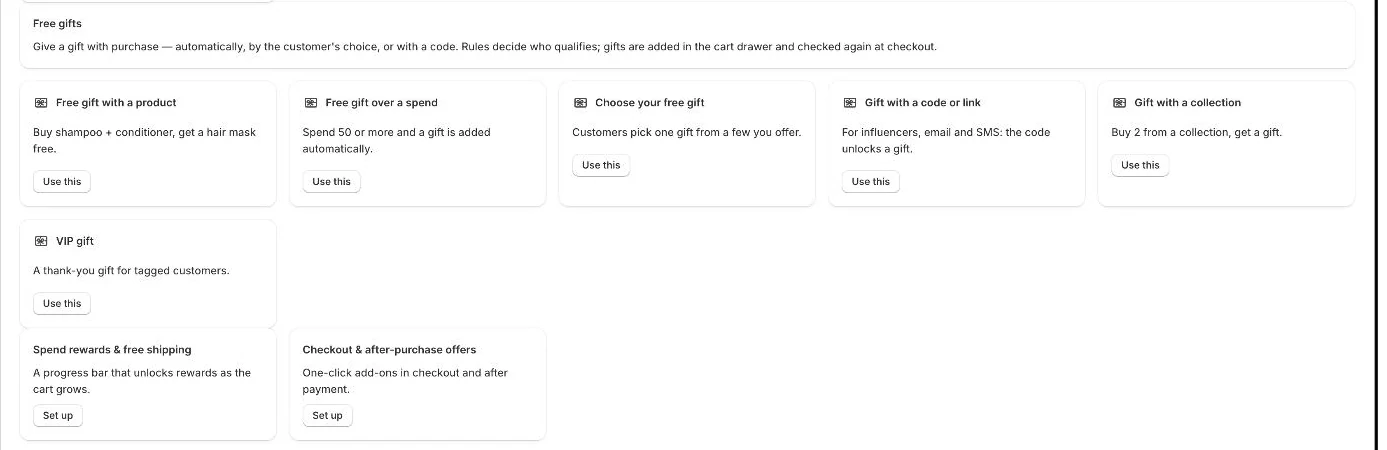
- Note: The gallery also lists Free gifts templates, Spend rewards & free shipping, and Checkout & after-purchase offers. These are set up in their own pages.
- Note: Inside the editor, the Start over from chips let you swap the tiers for another template of the same kind without starting a new offer.
- Note: All templates are free to use. There are no plans or offer limits.
Related articles
Section titled “Related articles”- How do I create a quantity break offer?
- How do tiers and discounts work?
- How do I create a mix and match pack?
- How do I create a Complete the bundle offer?
- How do I create a Buy X, get Y free offer?
- How do I give a free gift with purchase?
Still having trouble? Contact us from Support inside Zegsu Upsell and we’ll help you directly.