
How do I set do-not-disturb hours?
Do-not-disturb hours stop SMSGo from sending SMS during a time window you choose, such as overnight. Each campaign tab has its own Sleep Time DND Window and Timezone.
-
Open Settings in the SMSGo menu.
-
Click the campaign tab you want to change: Abandoned Cart, Order Tracking or Upsell and Re-Target.
-
Drag the handles on the Sleep Time DND Window slider to cover the hours when SMS should not be sent.
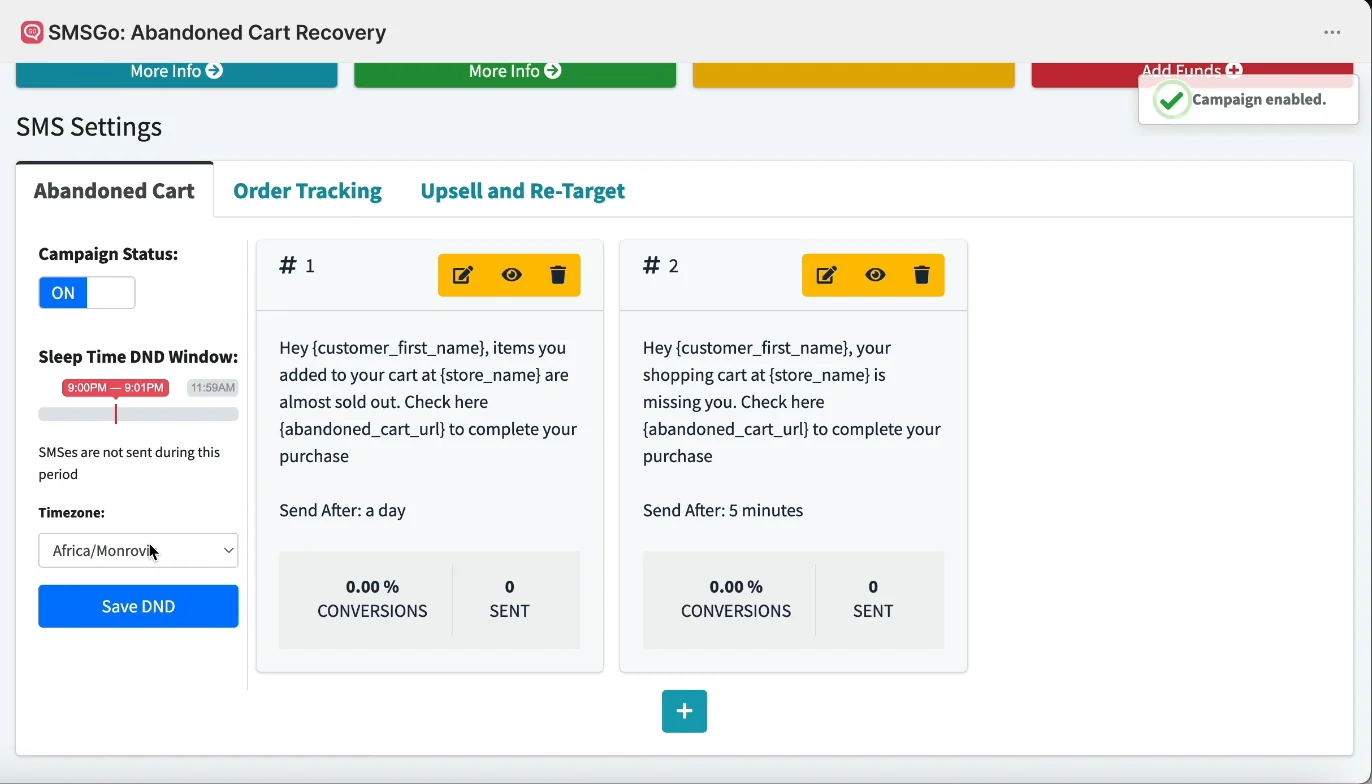
Sleep Time DND Window, Timezone and Save DND -
Choose your time zone under Timezone.
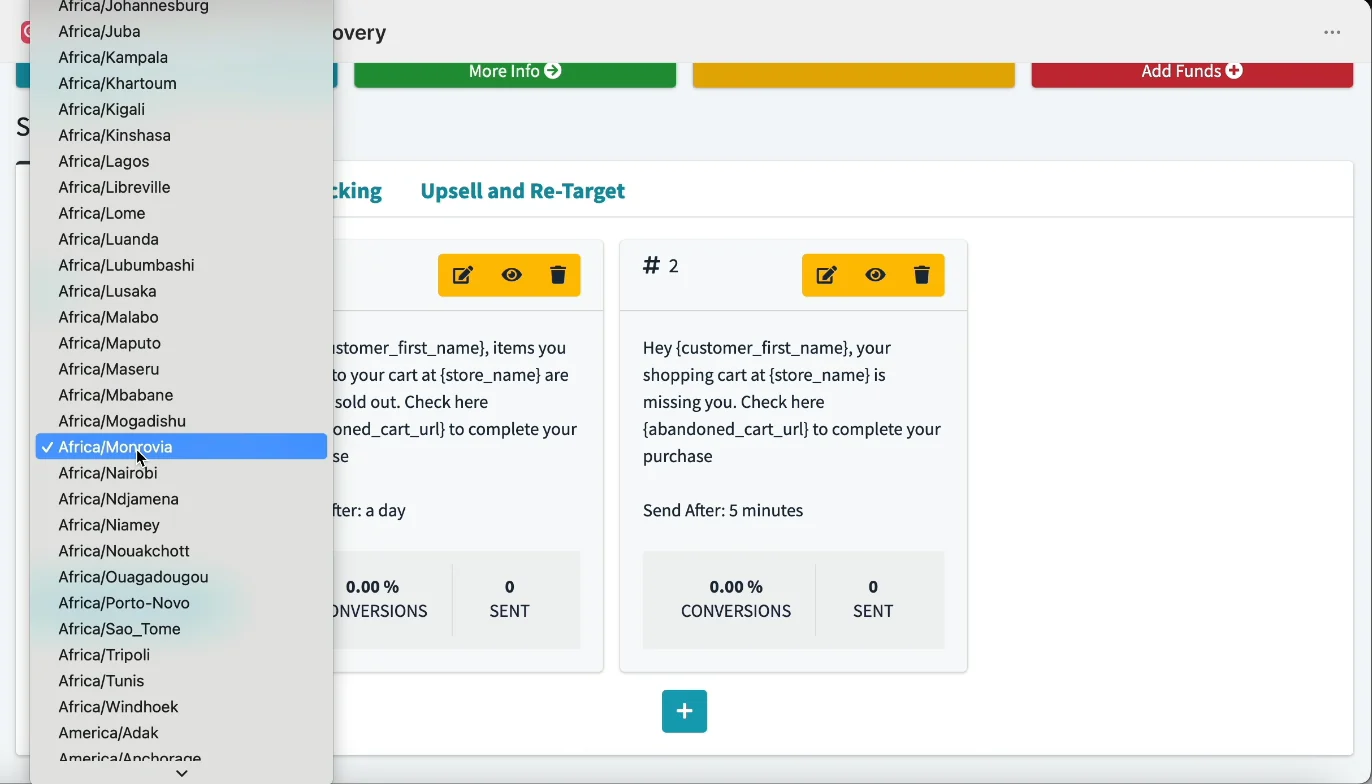
Pick your timezone -
Click Save DND. You see the message “SMS DND Settings Updated.”
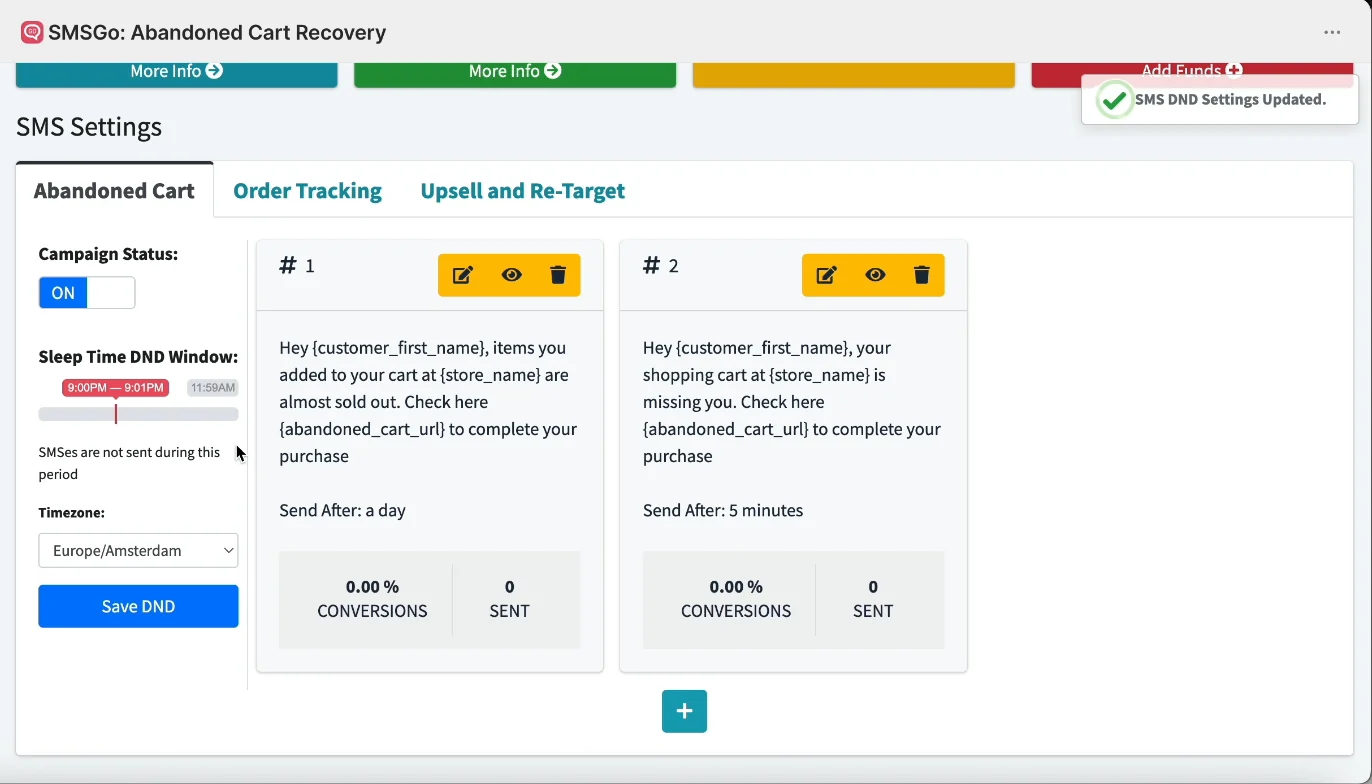
SMS DND Settings Updated
- Note: Set the window on every tab you use. Changing it on Abandoned Cart does not change Order Tracking or Upsell and Re-Target.
Still having trouble? Contact us from Help > Support inside SMSGo and we’ll help you directly.