
How do I create more than one feed?
On Pro you can have up to 20 feeds, each with its own layout and settings. Click Add feed at the top of Feeds. Free includes one feed, your main feed.
-
Click Feeds in the app menu.
-
Click Add feed. A new feed opens, called Feed 2 (or the next number).
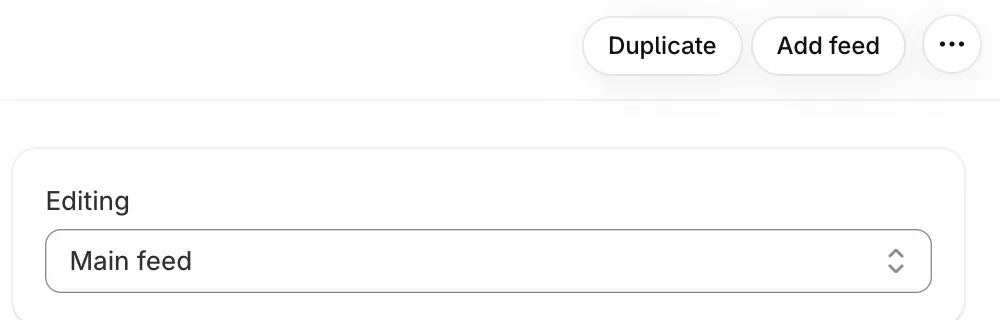
On Pro: Duplicate and Add feed at the top, and Editing to switch between feeds -
Change its settings and click Save.
-
Under This feed, give it a Name. Only you see the name.
-
Click Add to a page to open the theme editor, then pick the feed under Feed in the section. See How do I show a different feed on each page?.
- Note: On Free, the button says Add feed (Pro) and explains what Pro adds.
- Note: Switch between feeds with Editing at the top of the settings.
- Note: Your first feed is your main feed. It shows wherever a section has no feed picked, and it can’t be deleted.
- Note: To copy a feed’s settings, use Duplicate. See How do I duplicate a feed?.
Related articles
Section titled “Related articles”- How do I show a different feed on each page?
- How do I duplicate a feed?
- How do I rename or delete a feed?
- What happens when I switch from Pro to Free?
Still having trouble? Contact us from Support inside Zegsu Instafeed and we’ll help you directly.