
How do I duplicate a feed?
Open the feed in Feeds and click Duplicate at the top of the page. A copy opens with the same settings, named after the original with copy at the end.
-
Click Feeds in the app menu and pick the feed under Editing.
-
Save or discard any changes first. Duplicate is greyed out while there are unsaved changes.
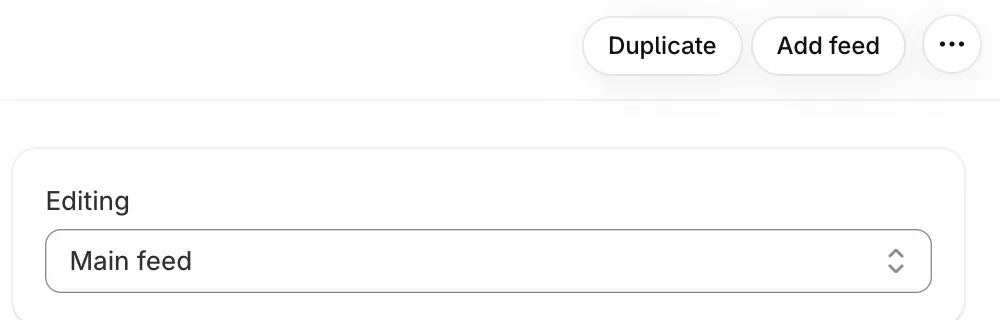
On Pro: Duplicate and Add feed at the top, and Editing to switch between feeds -
Click Duplicate.
-
Change what you need, then rename it under This feed and click Save.
- Note: Duplicate is part of Pro and counts towards the 20-feed limit.
- Note: The copy isn’t on your store until you pick it in a section in the theme editor.
Related articles
Section titled “Related articles”- How do I create more than one feed?
- How do I show a different feed on each page?
- How do I rename or delete a feed?
Still having trouble? Contact us from Support inside Zegsu Instafeed and we’ll help you directly.