
How do I show likes and comments on my posts?
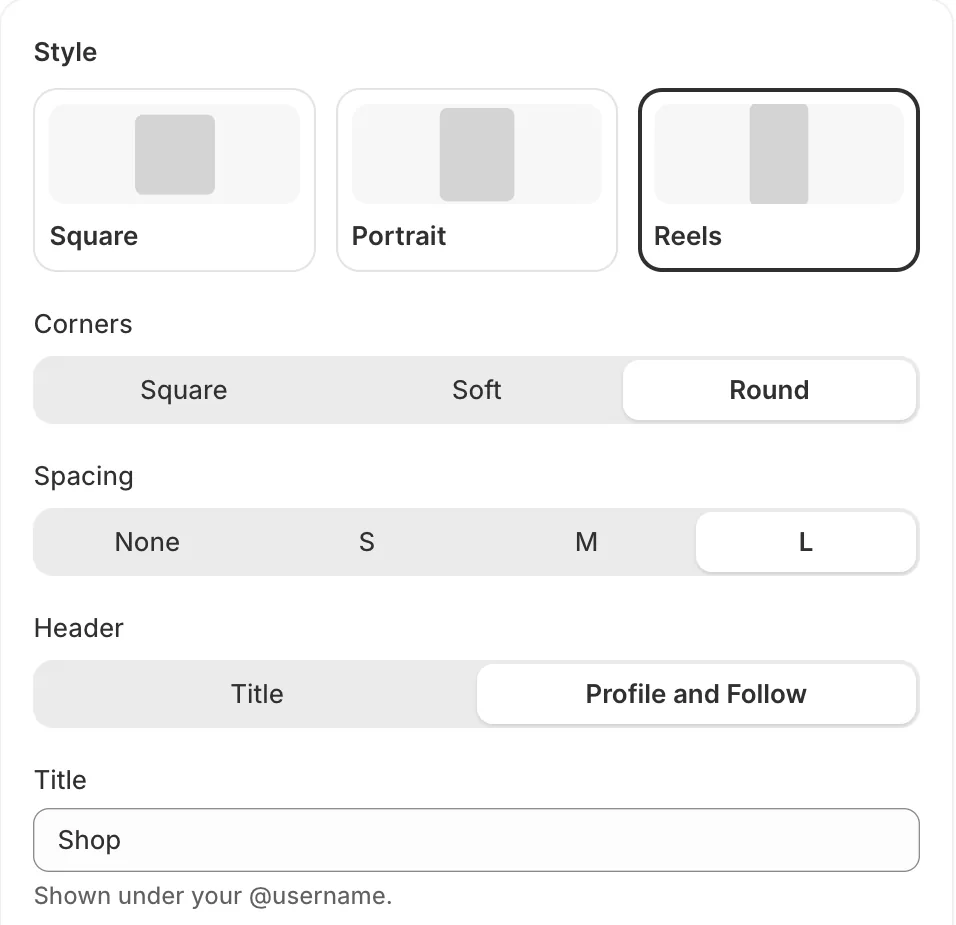
Open Feeds, go to Style and turn on Show likes and comments. Click Save.
On desktop, the counts appear when a shopper points at a post. On phones, they show along the bottom of each tile. Large numbers are shortened the way Instagram does, for example 1.2K.
- Note: Posts with no likes or comments yet show nothing, rather than 0.
- Note: If you hide like counts on Instagram, only comments show.
- Note: Counts update with each sync, every hour.
Related articles
Section titled “Related articles”Still having trouble? Contact us from Support inside Zegsu Instafeed and we’ll help you directly.