
How do I disconnect my Instagram account?
Open Settings, click Disconnect next to the account and click Disconnect again to confirm. Syncing stops. Your feed keeps showing the posts you have now, with their tags, until you connect an account again.
-
Click Settings in the app menu.
-
Under Instagram accounts, click Disconnect next to the account.
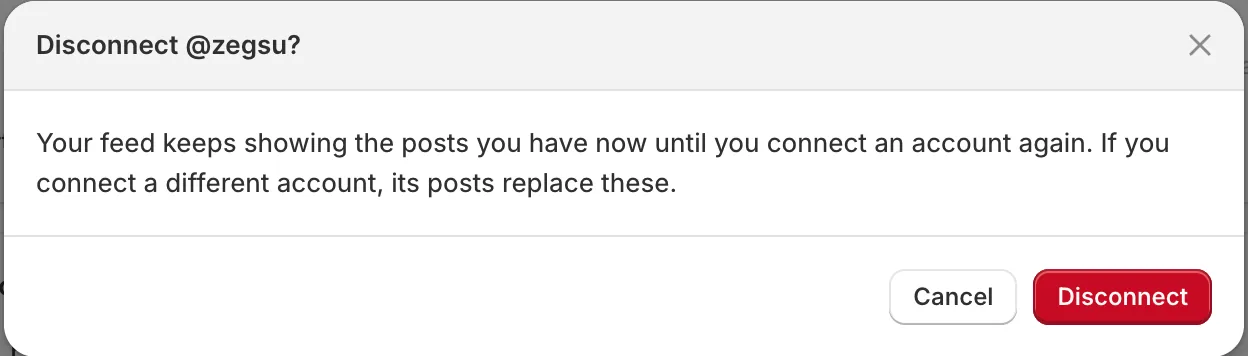
Disconnecting asks first; your feed keeps showing the posts you have -
Click Disconnect to confirm. You see Instagram disconnected. Your feed keeps showing your last posts.
-
Note: If you then connect a different account, its posts replace the old ones once they sync.
-
Note: While no account is connected, Home shows Connect Instagram to get new posts with your last posts. Your feed is still on your store.
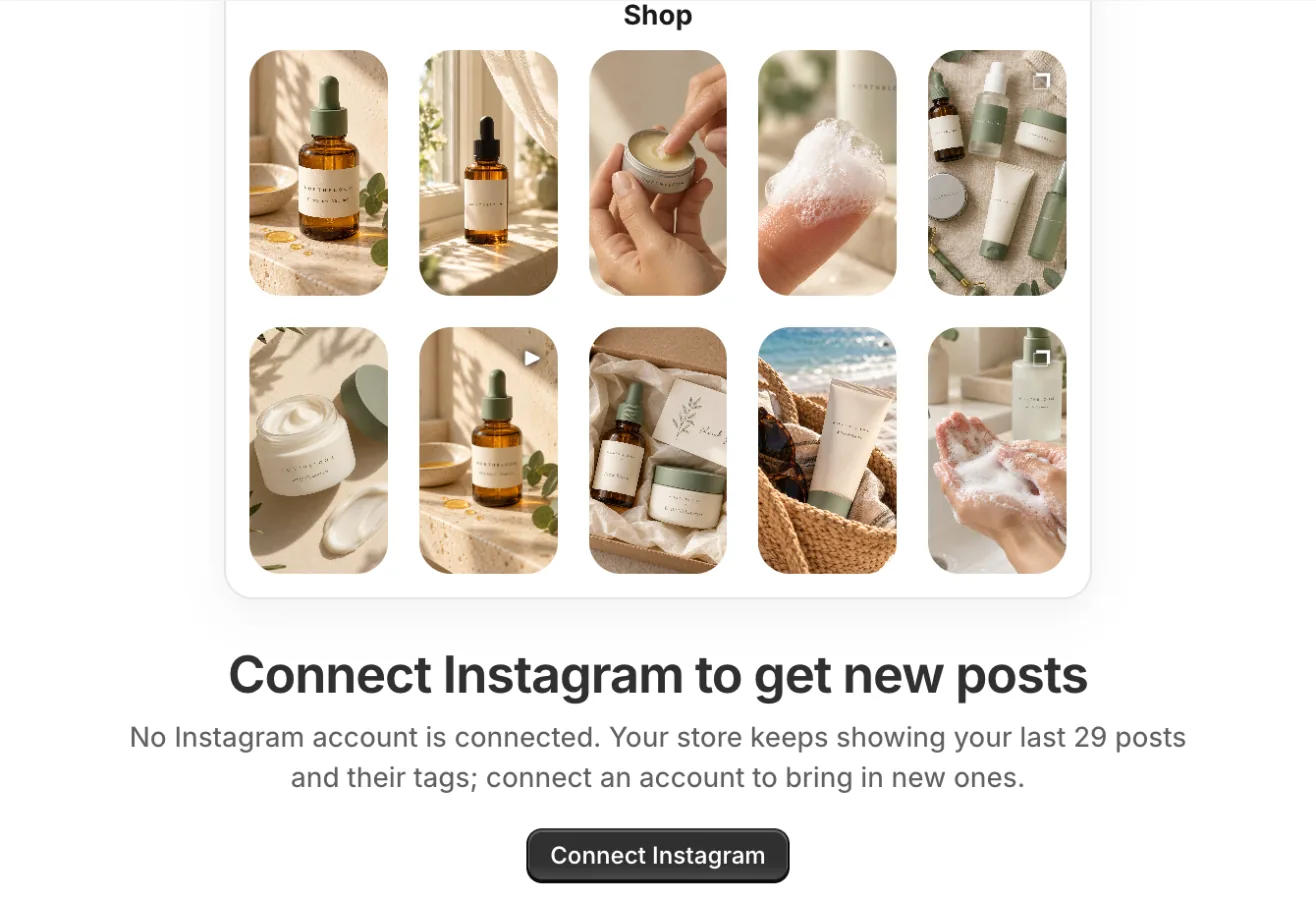
Home with no account connected: your last posts stay on your store until you connect again -
Note: With no account connected, a feed set to the profile header shows its title instead, until you connect again.
-
Note: To remove the feed from your store, delete the Instagram feed section in the theme editor.
-
Note: To also remove the app’s access on Instagram’s side, open Instagram → Settings → Website permissions → Apps and websites and remove it there.
Related articles
Section titled “Related articles”- How do I switch to a different Instagram account?
- How do I reconnect Instagram?
- What happens when I uninstall the app?
Still having trouble? Contact us from Support inside Zegsu Instafeed and we’ll help you directly.