
How do I show a different feed on each page?
Each Instagram feed section in your theme has a Feed setting. Pick the feed you want for that page. If you leave it empty, the section shows your main feed.
-
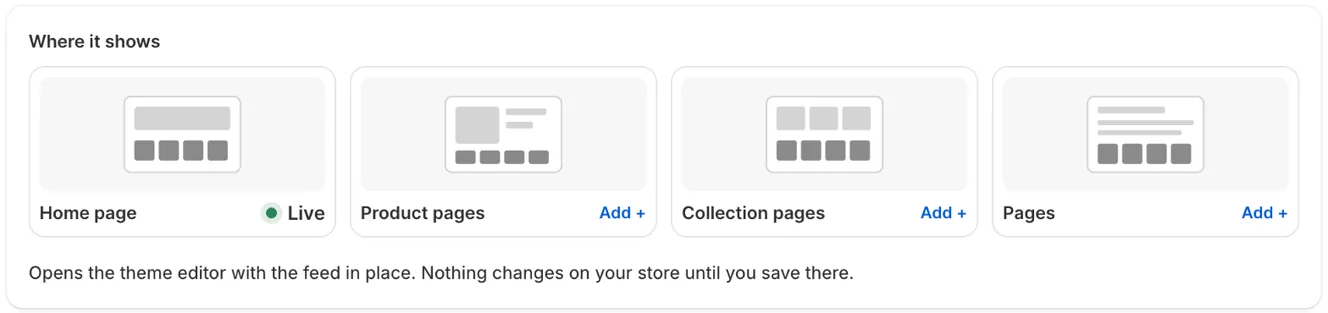
In Feeds, open the feed and click Add to a page under This feed. Or go to Online Store → Themes → Customize.
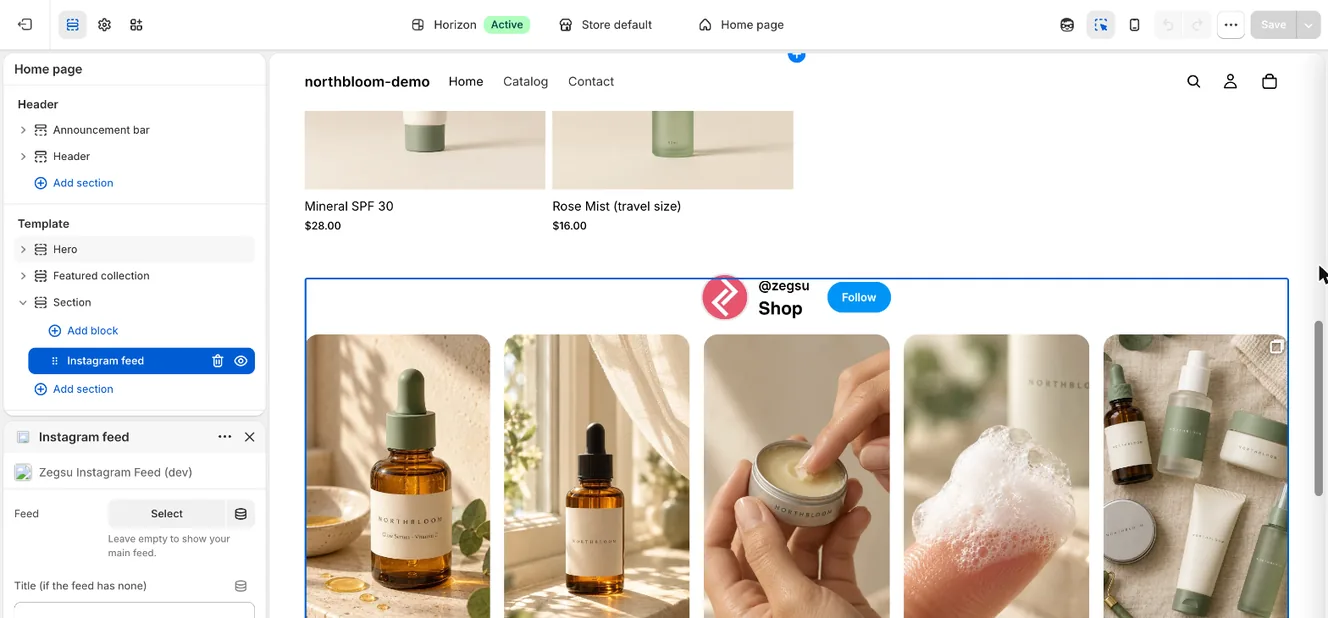
The Instagram feed block in the theme editor, with its Feed and Title settings -
Open the page, then click the Instagram feed section. Add one first if the page has none.
-
Under Feed, pick the feed.
-
Click Save.
- Note: You can add more than one Instagram feed section to the same page, each with a different feed.
- Note: Feeds other than your main feed need Pro. On Free, they’re paused and those sections show nothing.
- Note: A section set to a feed you deleted shows your main feed.
Related articles
Section titled “Related articles”- How do I create more than one feed?
- How do I add the feed to my store?
- How do I change the feed heading, width and padding?
Still having trouble? Contact us from Support inside Zegsu Instafeed and we’ll help you directly.