
How do I show star ratings in the popup?
Open Feeds, go to Popup and turn on Show star ratings. It’s on by default. Stars and the number of reviews appear next to each tagged product that has reviews.
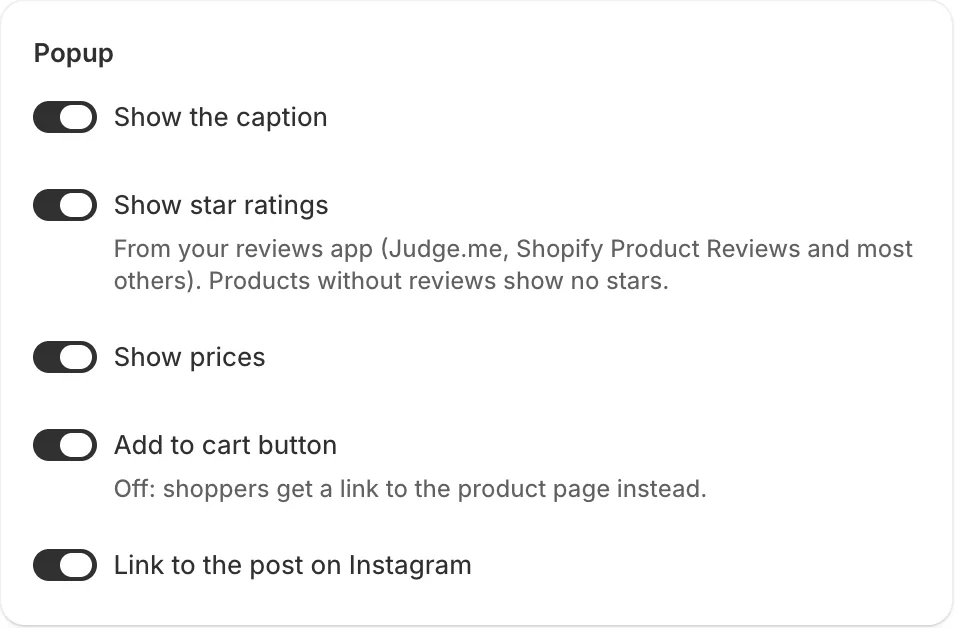
The ratings come from your reviews app. Most reviews apps, such as Judge.me and Shopify’s Product Reviews, save each product’s rating in Shopify’s standard product rating fields. The feed reads those.
- Note: Products without reviews show no stars.
- Note: If stars never appear, check in your reviews app that it syncs ratings to Shopify (sometimes called “product rating metafields” or “SEO rich snippets”).
- Note: You don’t need to connect your reviews app to this app.
Related articles
Section titled “Related articles”Still having trouble? Contact us from Support inside Zegsu Instafeed and we’ll help you directly.